
Warmth presets
The right screen for every hour, in one click
Seven presets cover the day from first coffee to last page, plus a Custom one you save yourself. Pin your favourites to the menu bar and switch with a click or a shortcut.
7-day free trial on the monthly and annual plans
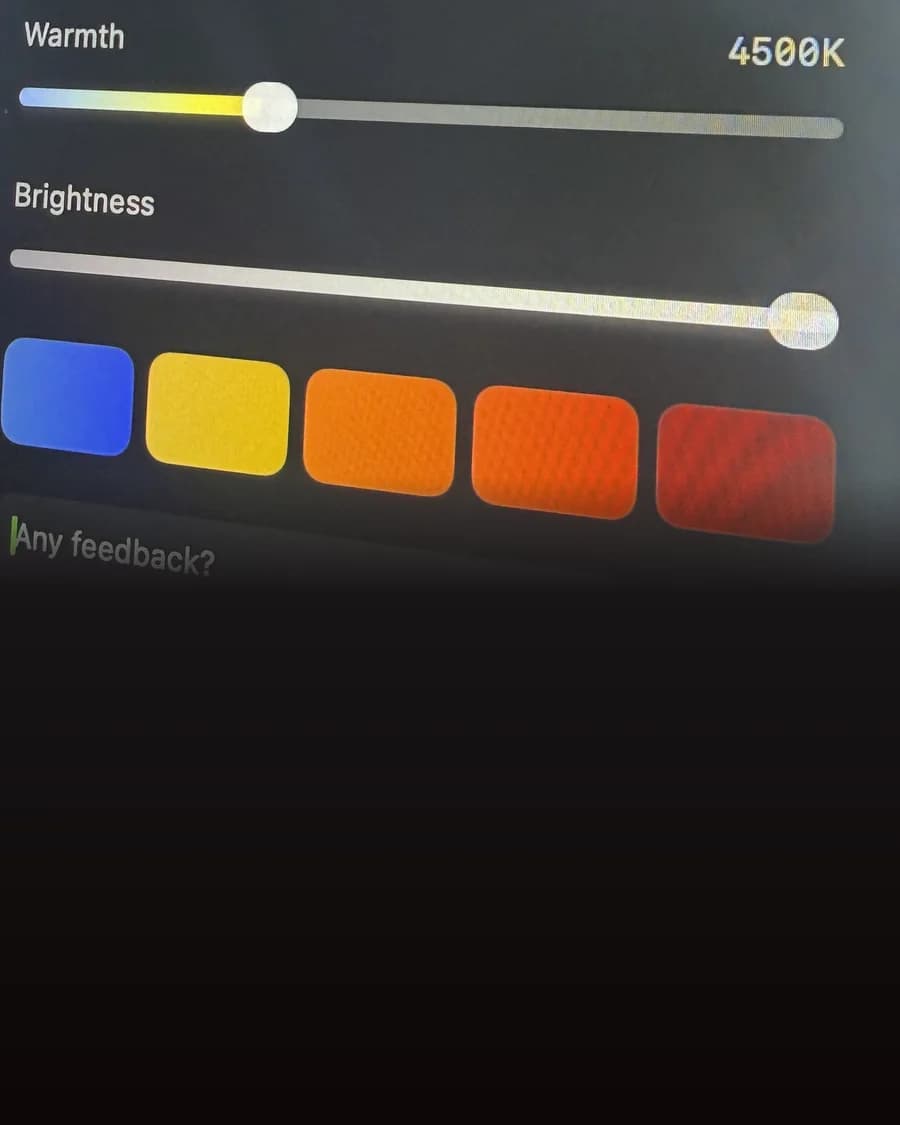
Finding the same spot on a slider every night gets old
A slider is great for fine tuning and slow for everything else. Most evenings you want one of a handful of settings, and you want it now.
With a slider alone
- Hunting for the right spot every evening
- No way to get back to the setting you liked yesterday
- Different settings for work and for winding down
With Sundown
- Seven named presets, from Energy to Midnight
- One Custom preset saved from your own settings
- Up to six pinned as colours in the menu bar panel
- Command 1 to 5 for the first five pinned presets
How it works
Set it up once
- 1
Open the Presets tab
In Sundown's Settings, every preset has its own card.
- 2
Pin your favourites
Pin up to six and they show as a row of colours in the menu bar panel.
- 3
Save your own
Set the Warmth you like, then press Update with current settings on the Custom card.
The presets
From first coffee to lights out
Energy and Flow
Bright and cool for the morning and the middle of the working day.
Reading and Glow
A softer white for the late afternoon, then a warm glow as the light outside fades.
Evening and Relax
Amber turning to a soft red for dinner, shows and winding down.
Midnight
Sundown's warmest setting, a deep red for the last hour of the night.
Custom
Your own warmth, saved in one slot and ready in the same row as the rest.
Shortcuts
Command 1 to 5 switch to the first five pinned presets without opening the panel. You can change the keys in the Keyboard tab.
Pick your preset tonight
$4.99 a month, $39 a year, or $79 once for a Lifetime licence that works on 2 Macs. Every feature on this page is in every plan.
7-day free trial on the monthly and annual plans
Questions
Preset questions
How many presets are there?
Seven built in, Energy, Flow, Reading, Glow, Evening, Relax and Midnight, plus one Custom preset you save from your own settings.
Can I make my own?
Yes, one. Set the Warmth where you like it, open the Presets tab and press Update with current settings on the Custom card.
Can I switch presets from the keyboard?
Yes. Command 1 to 5 apply the first five presets pinned to the panel, and you can rebind them in the Keyboard tab.
Can presets change on their own during the day?
Yes. Sundown's schedule lets you pick a preset for each time of day, and the screen eases from one to the next.